startposting Tools · For fashion & accessory sellers
AI fashion model
for your products.
One clothing photo in, a 4-pose pack out.
1 · Your clothes
Upload photos of your clothes
Flat lay, on a hanger, on a mannequin or already worn. Up to 6 photos — add a back photo for a real back view.
No photo to hand? Try one of these:
Free to try — no account until you generate. Your first pack is on us.
Real output, unretouched
One clothing photo in. A catalogue pack out.
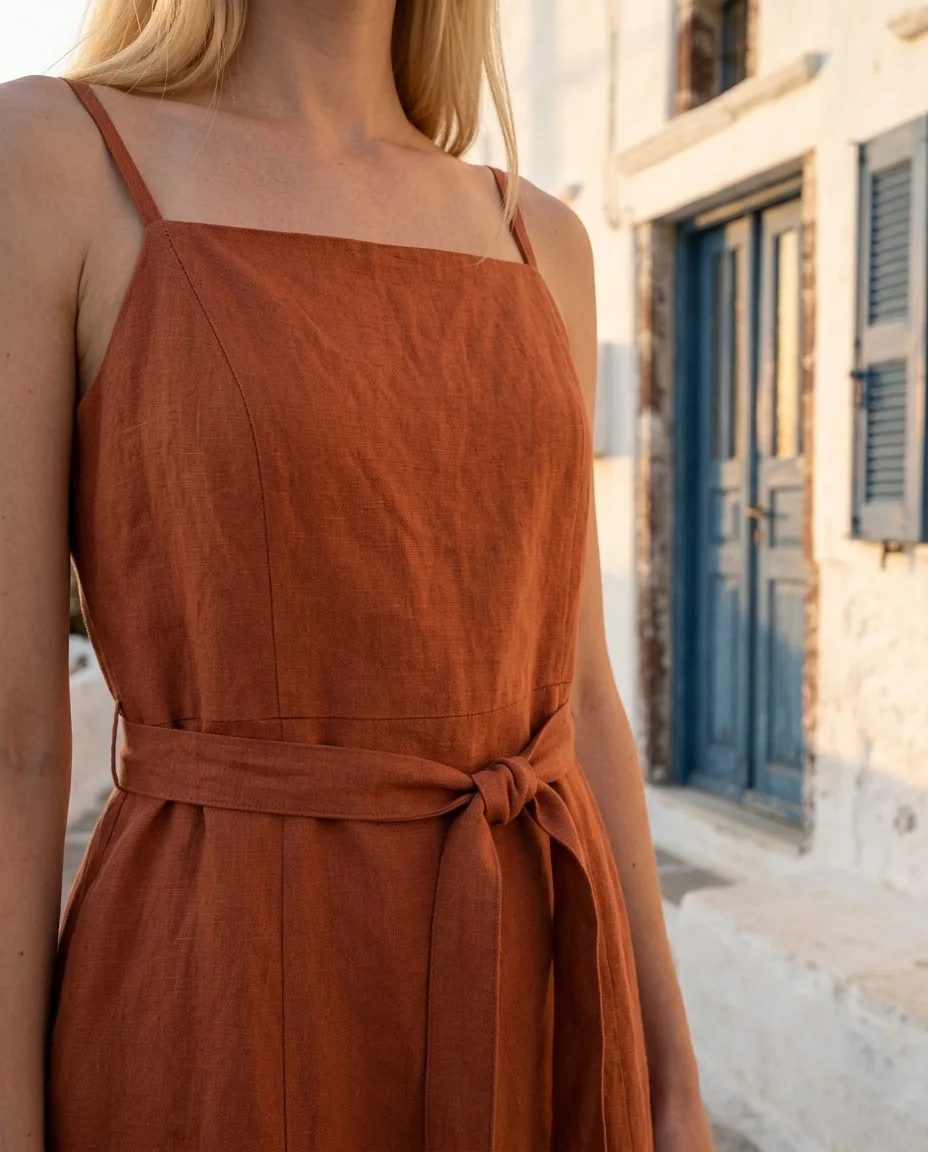
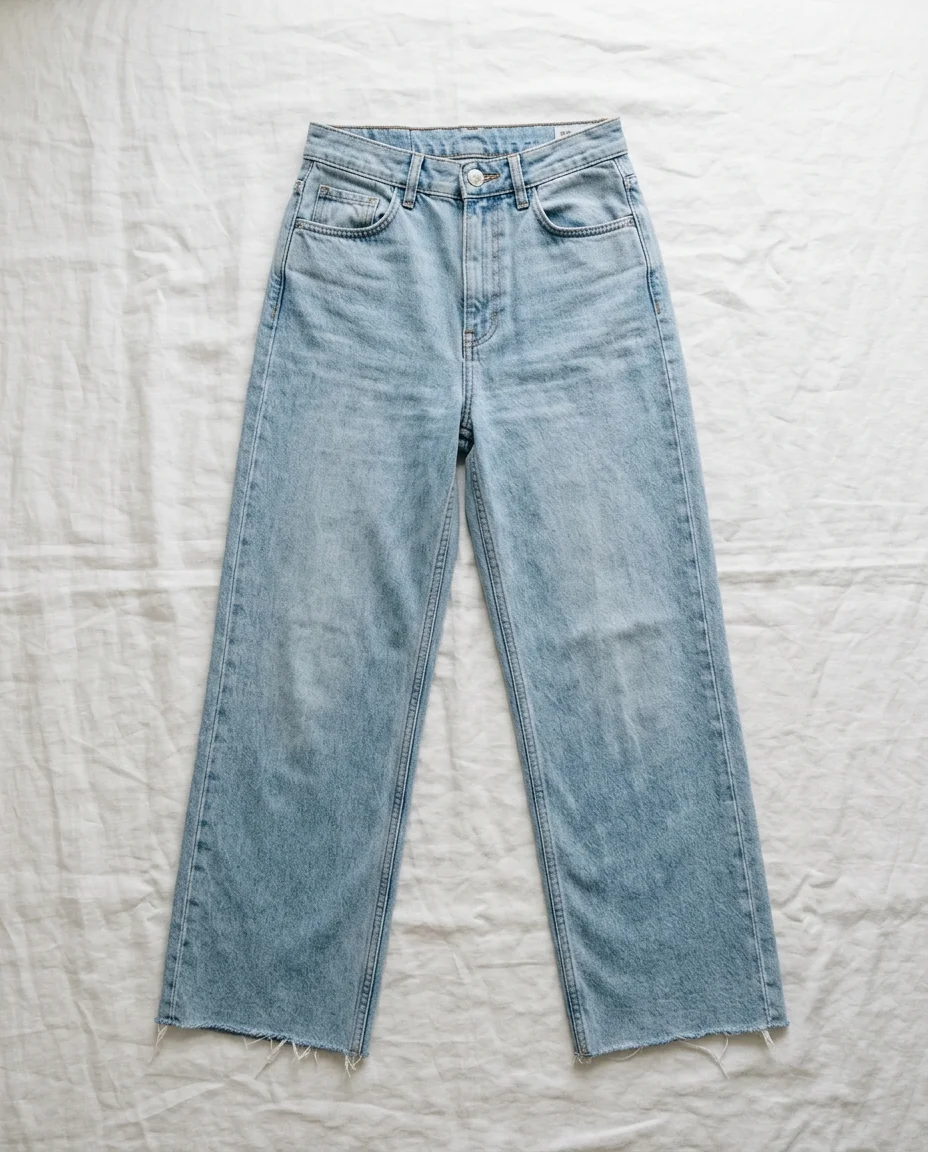
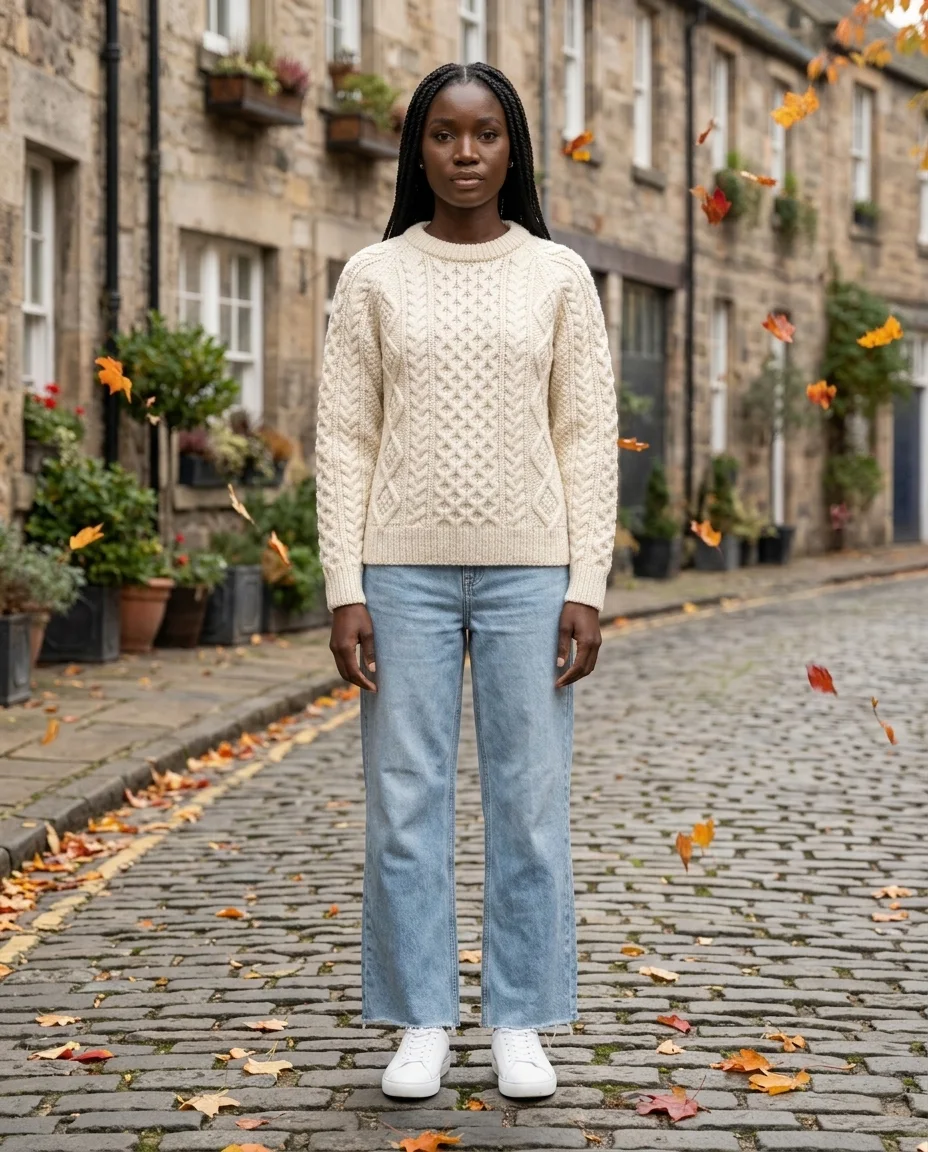
On the left, the photos a seller would take: a dress on a hanger, a sweater and jeans laid flat. On the right, what this AI fashion model tool returned, as it came out. The garments are sample products we made for this page; try them in the tool above.
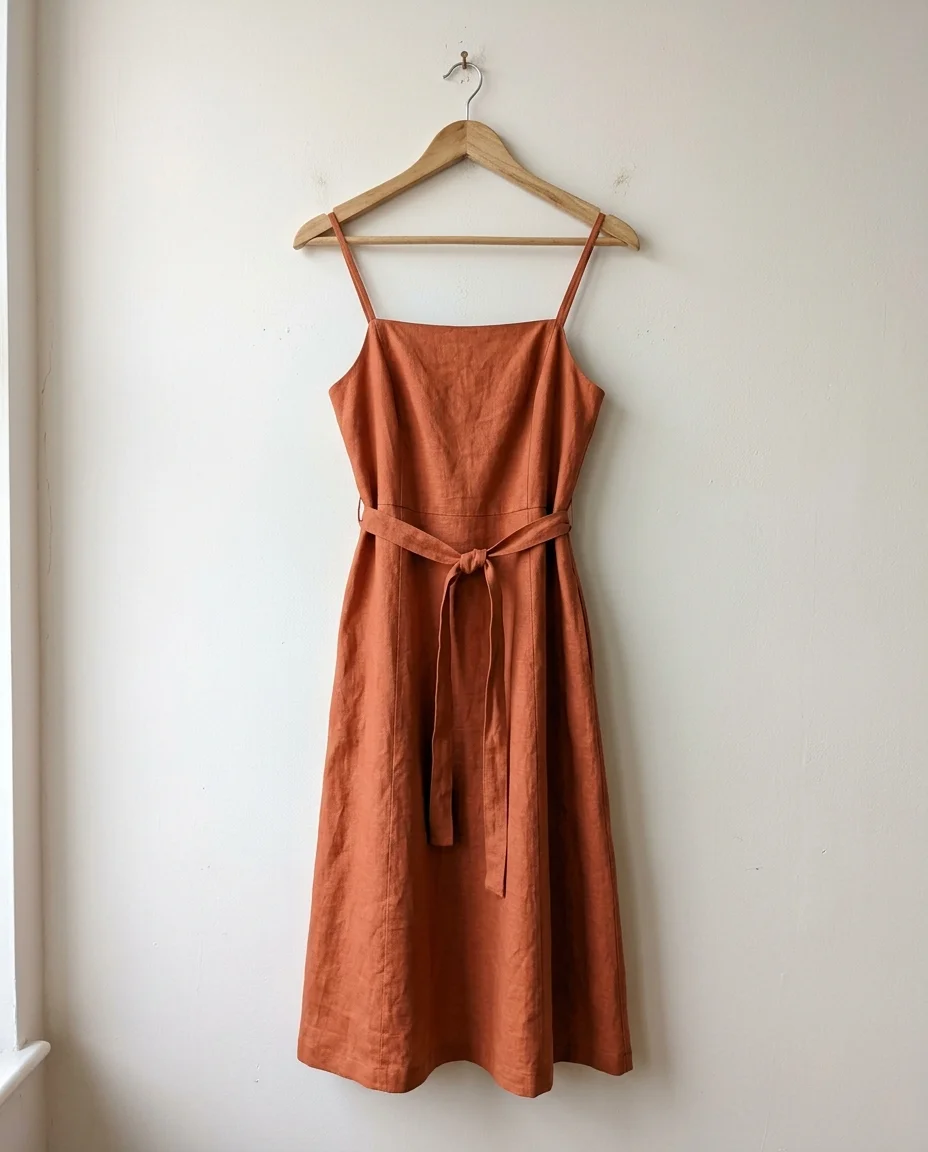
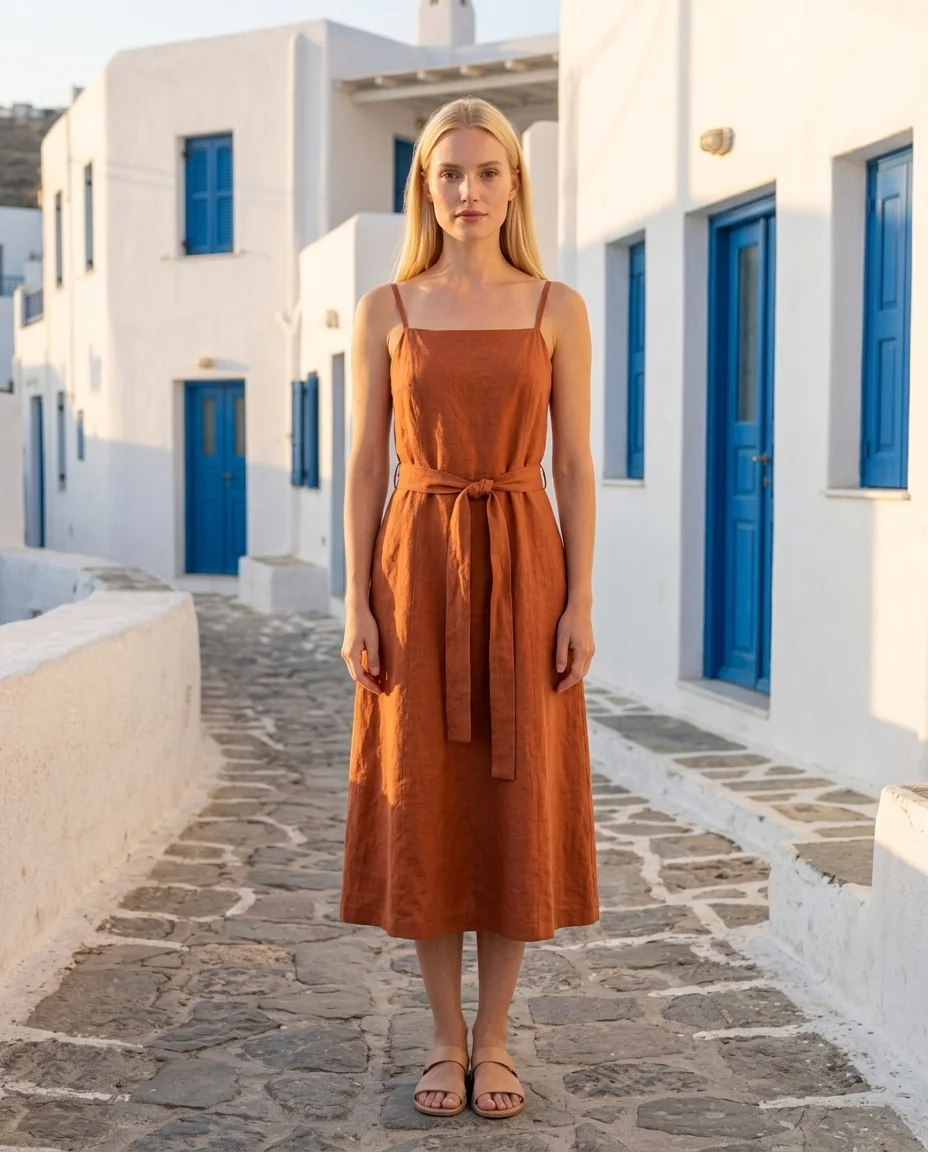 Front
Front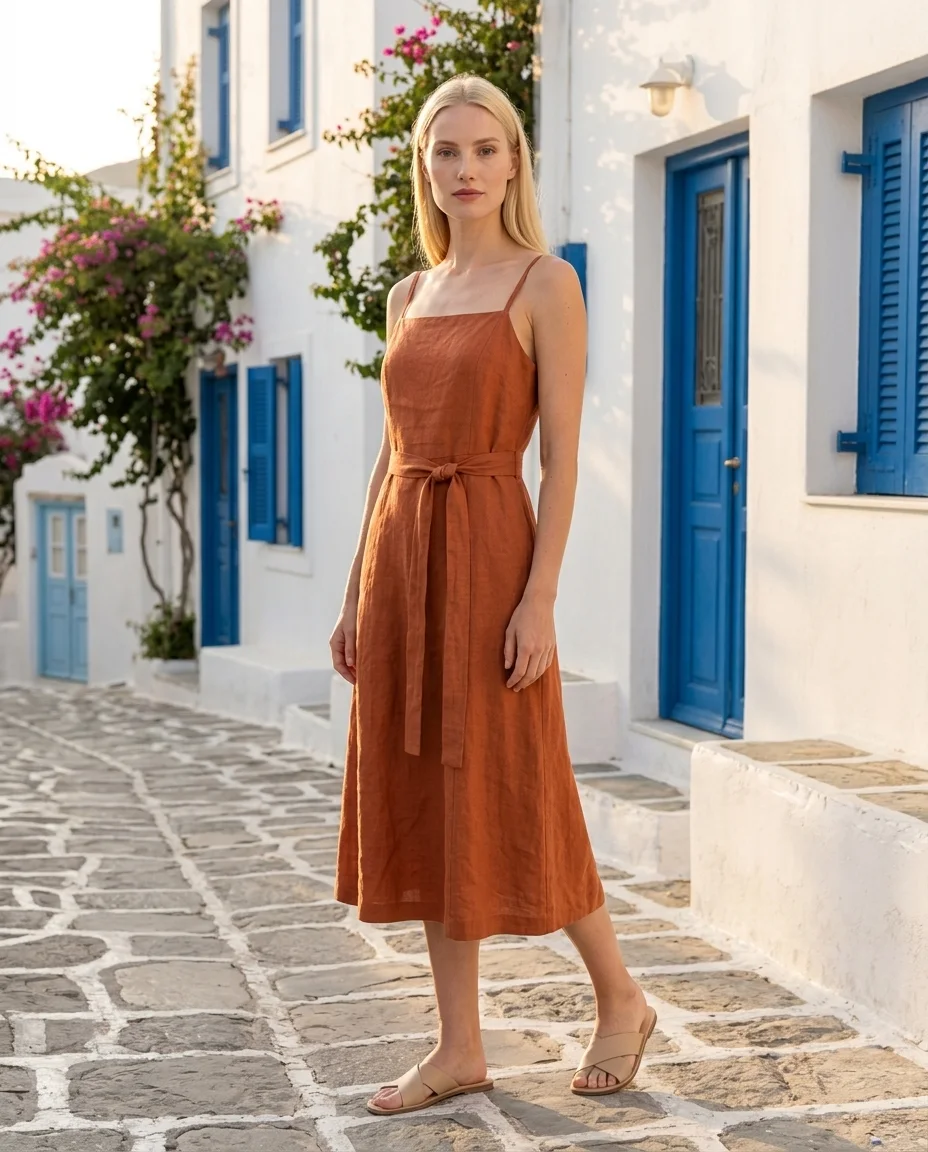 3/4
3/4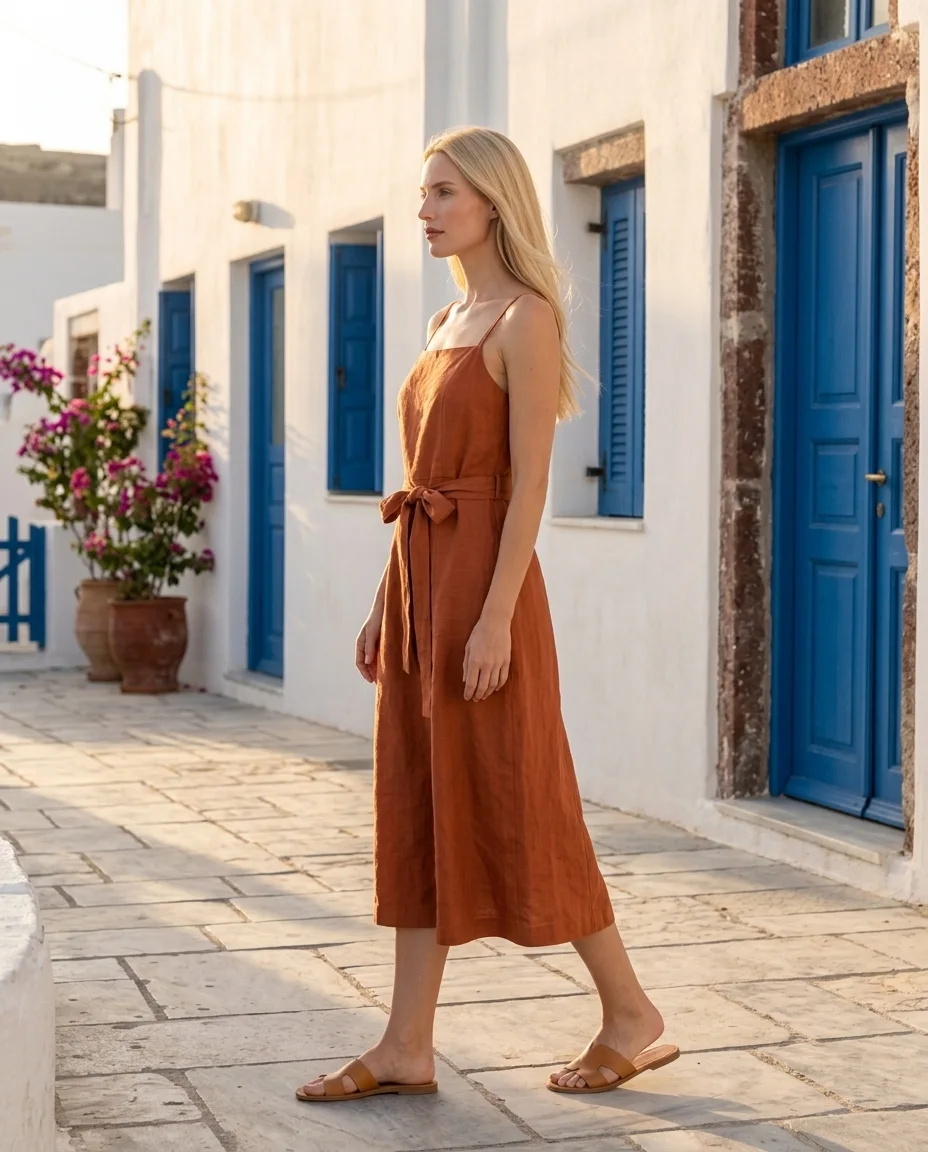 Profile
 Detail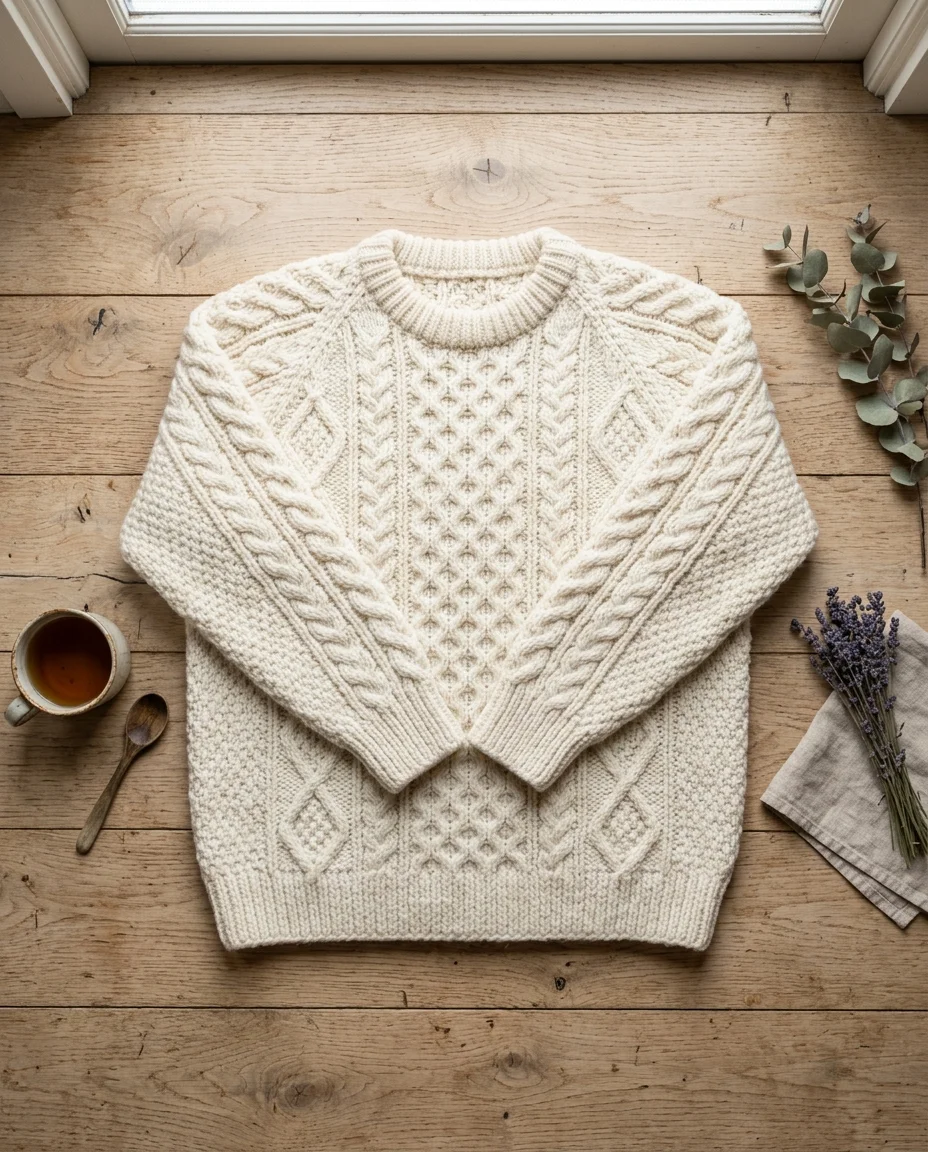
 Front
Front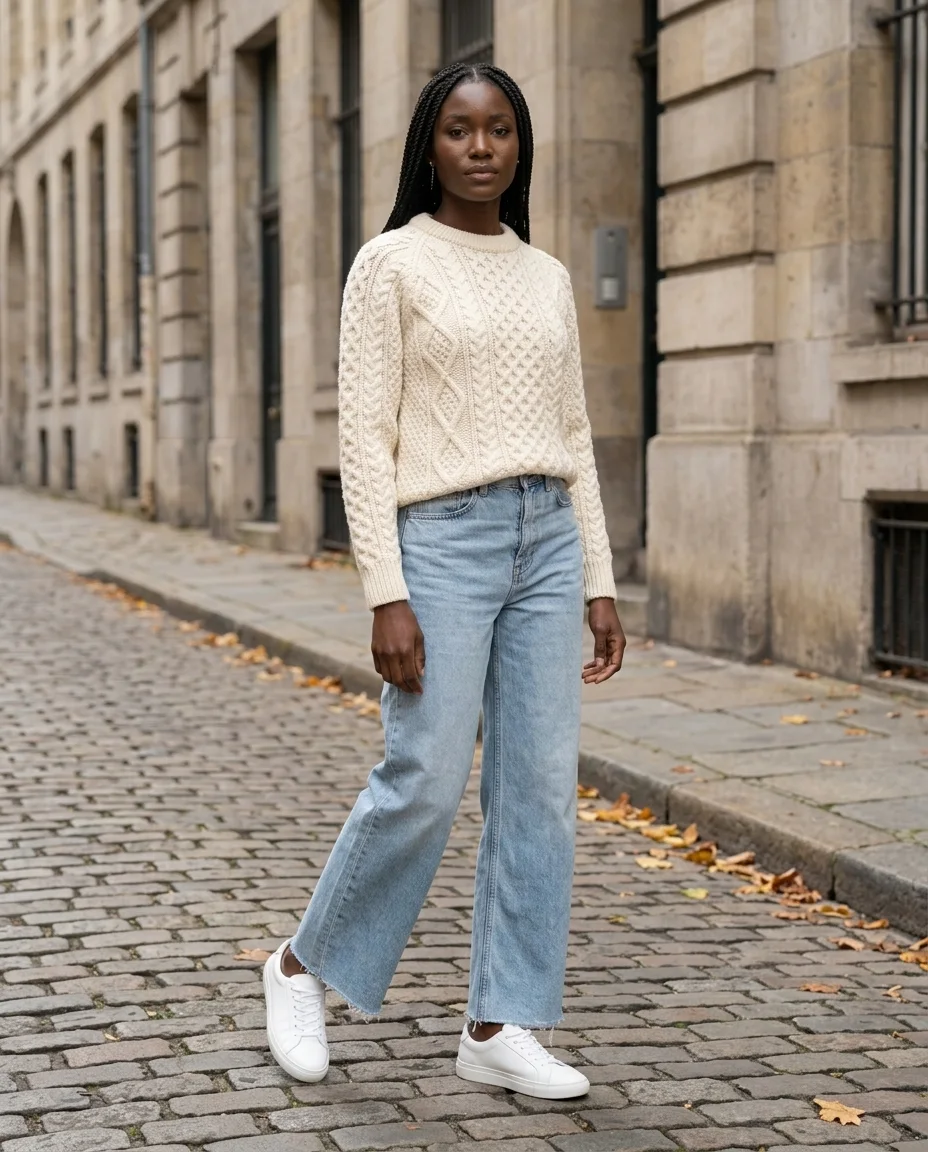 3/4
3/4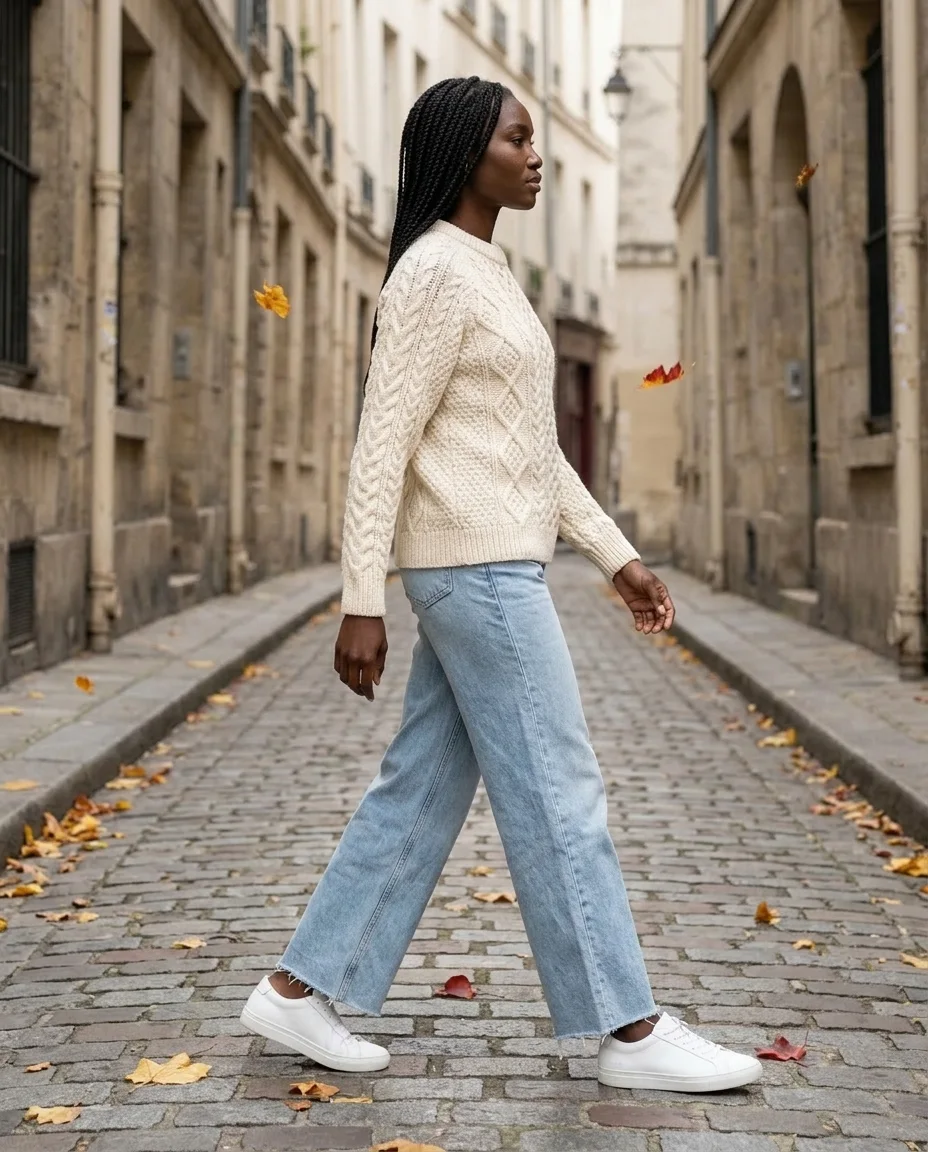 Profile
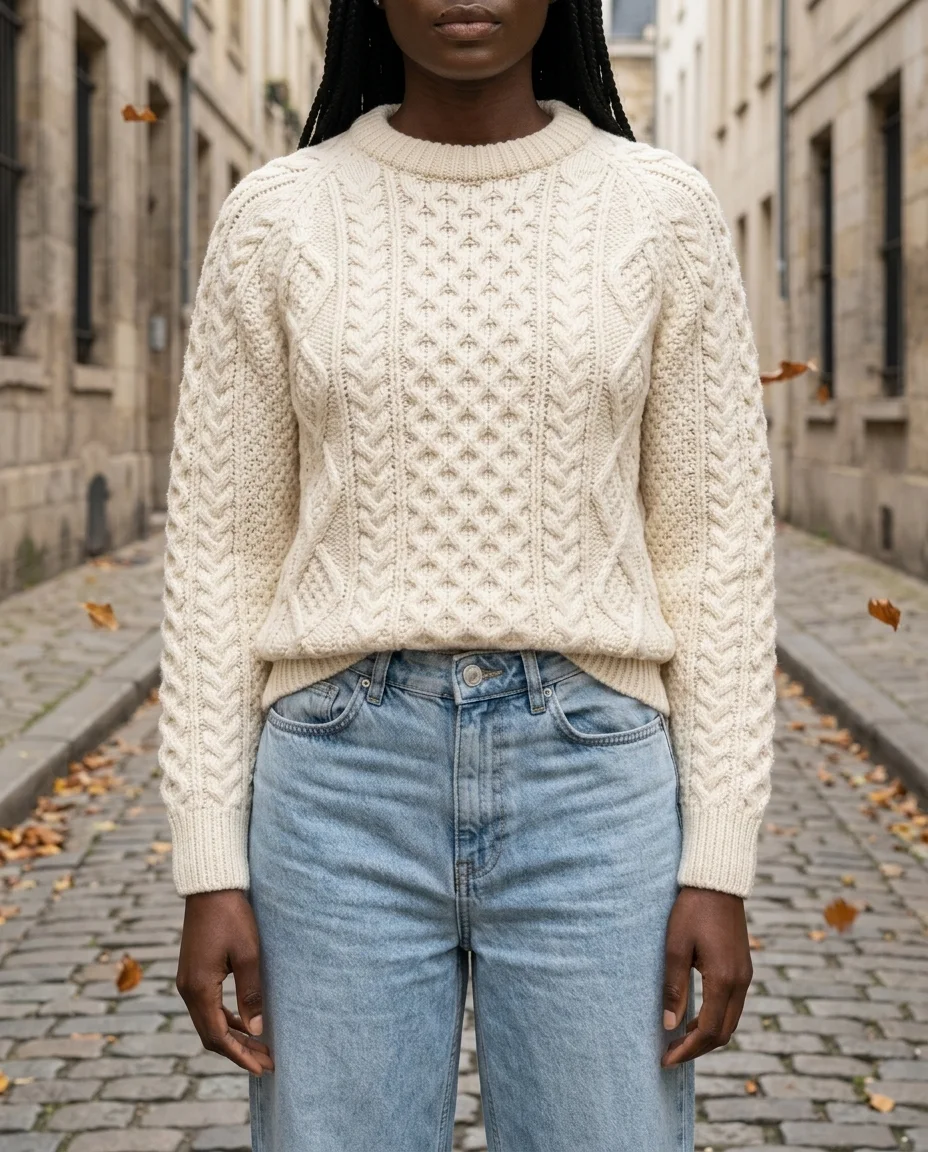 Detail
How it works
From product photo to on-model photos in three steps
1
Upload your clothes
Up to 6 photos: flat lay, hanger, mannequin or worn. The AI lists every piece it sees.
2
Pick the model and the décor
Choose what the model wears (up to 4 pieces), one of 16 models and one of 42 décors. Everything is pre-filled.
3
Get your 4-pose pack
Front, 3/4, back (or profile) and a detail shot, same model, same light. Download and publish.
The models
16 AI models. Every body your customers have.
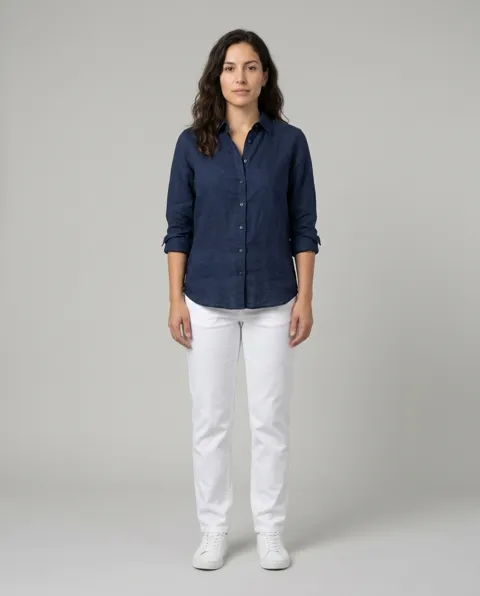
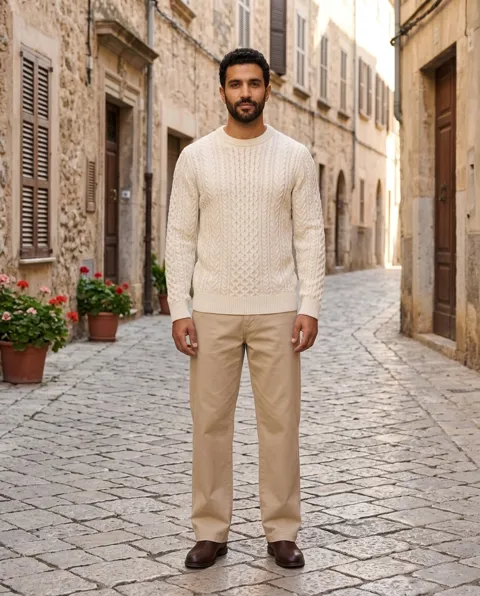
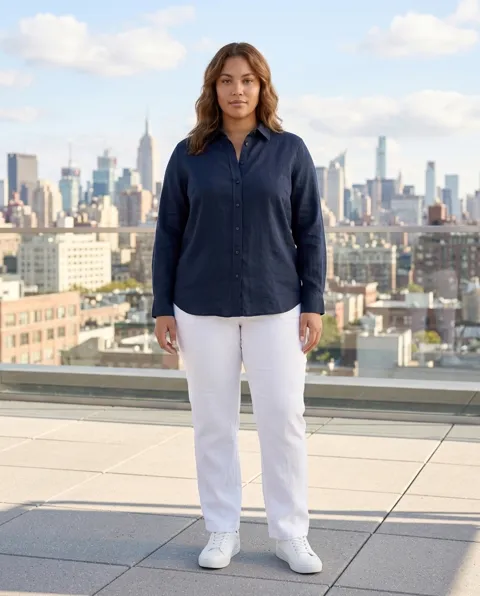
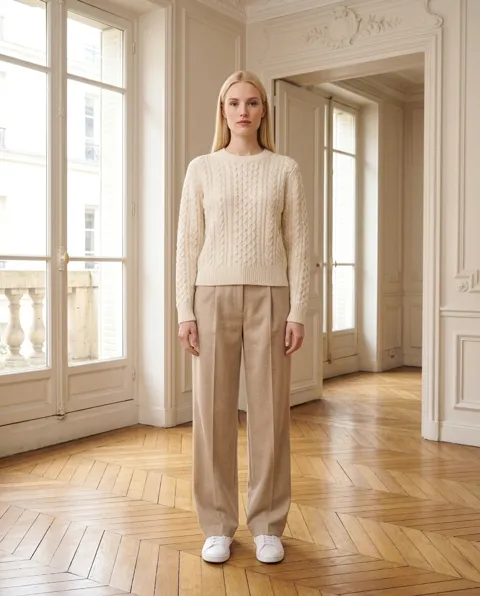
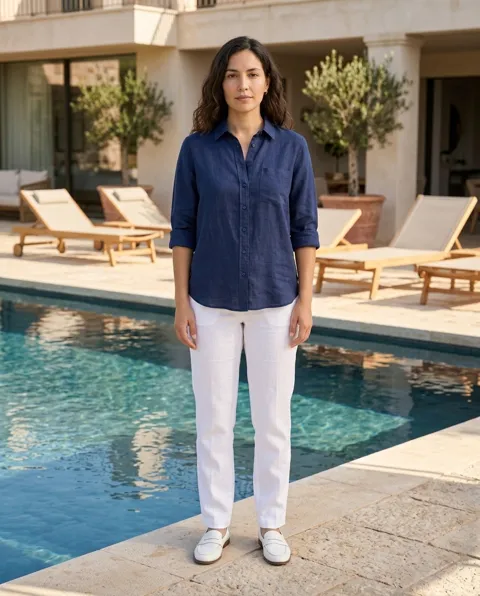
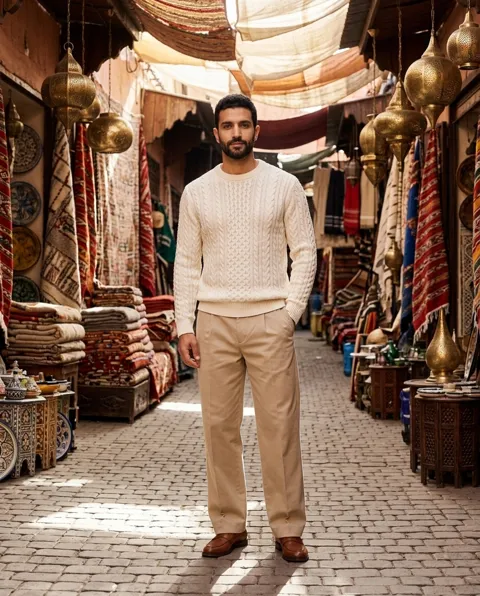
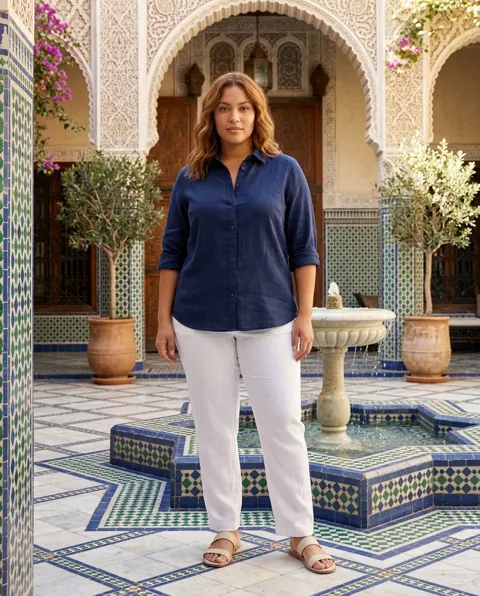
Women and men from 22 to 58, petite to plus-size and big & tall, from many backgrounds, including a model who wears a hijab for modest fashion. All are AI-generated: none is a real person.
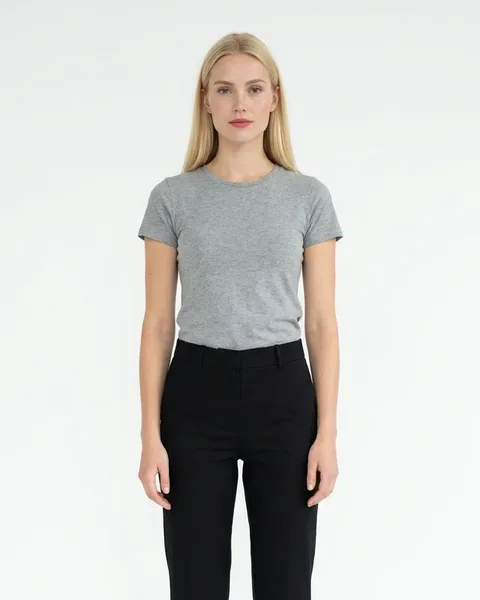
Emma
Ready-to-wear, dresses
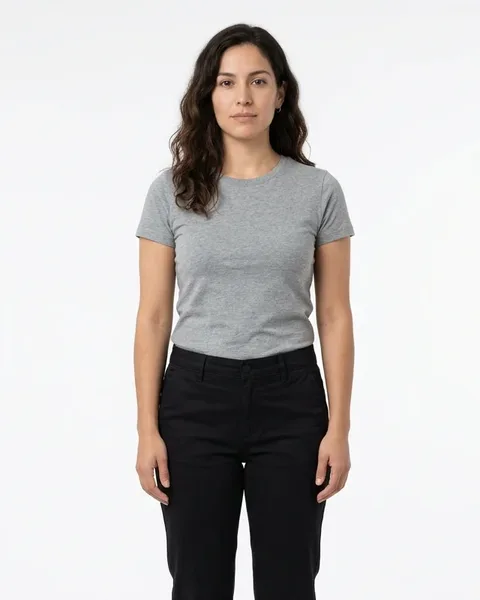
Valentina
Everyday fashion
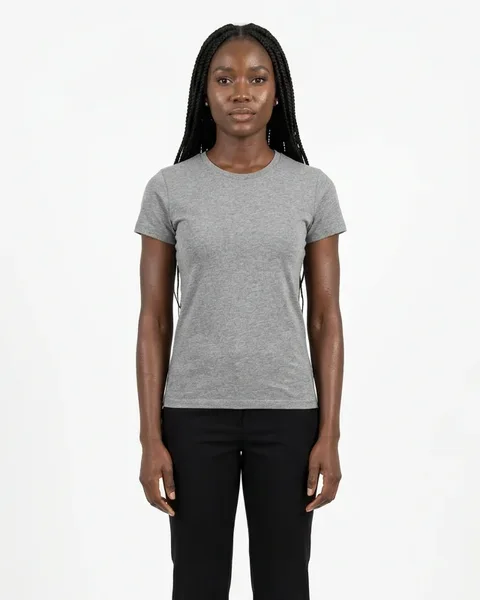
Zara
Sportswear, streetwear
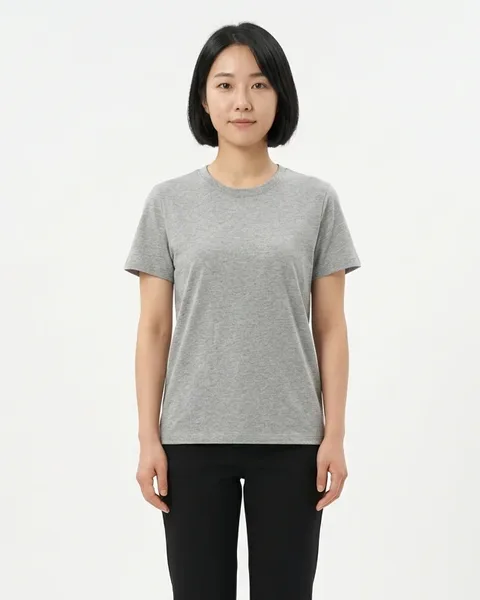
Yuna
Petite sizes
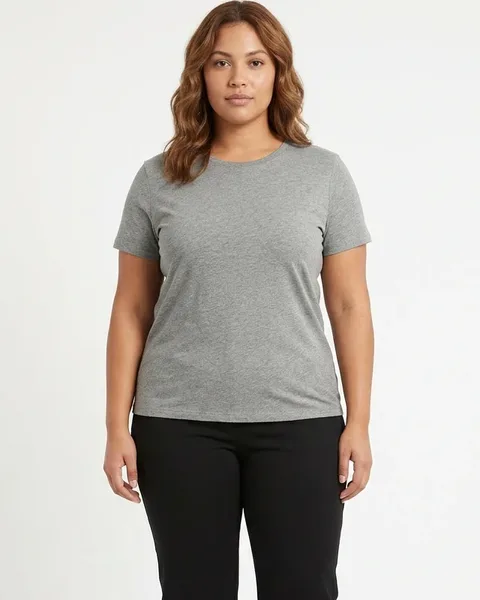
Olivia
Plus sizes
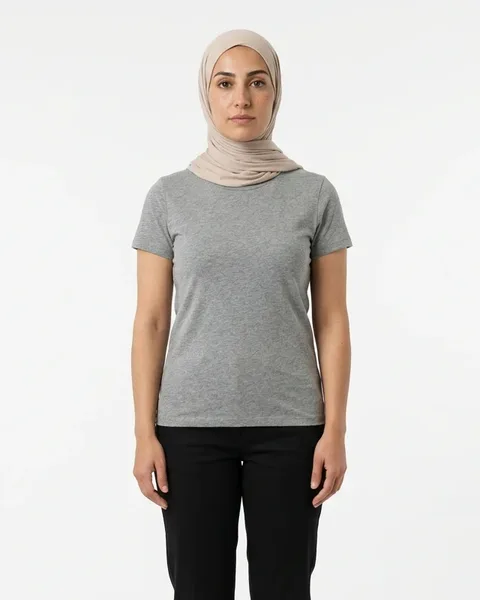
Layla
Modest fashion
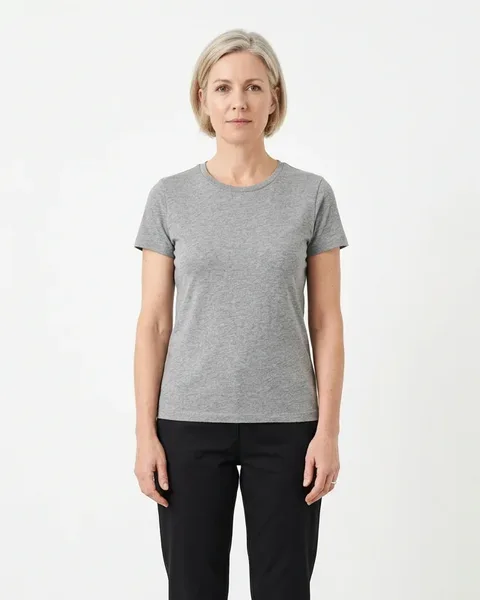
Claire
Women 40+
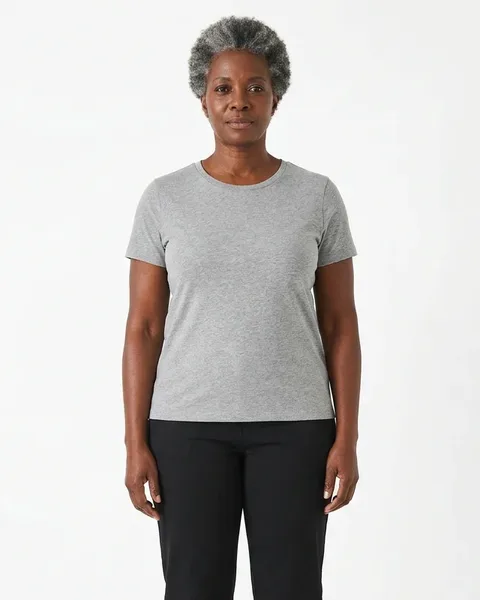
Grace
Women 50+
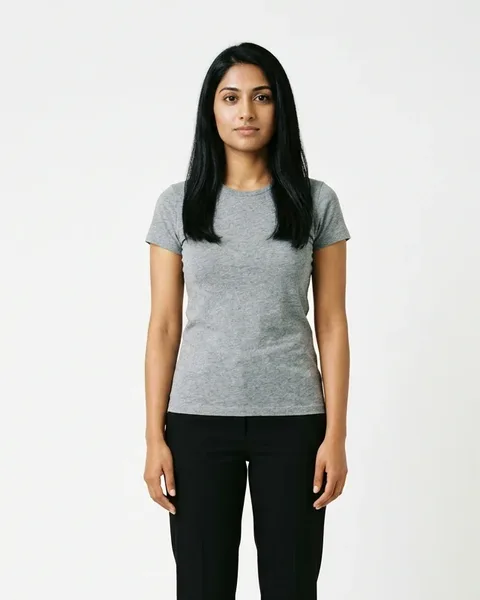
Anaya
Evening, occasion
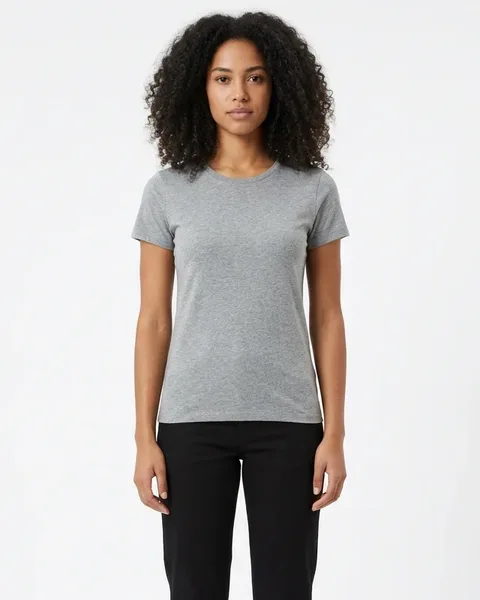
Luna
Young, trendy
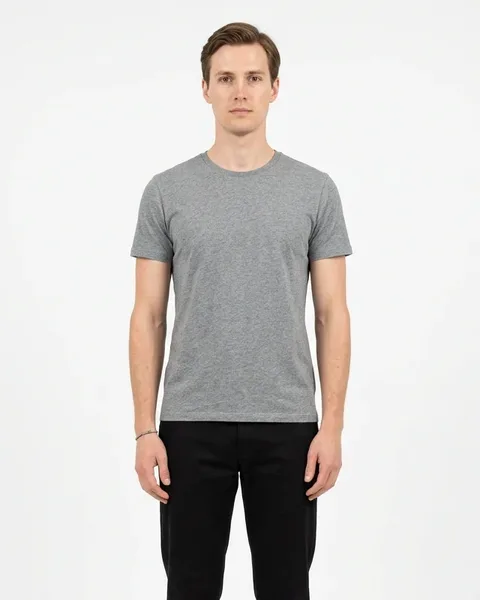
Lucas
Ready-to-wear
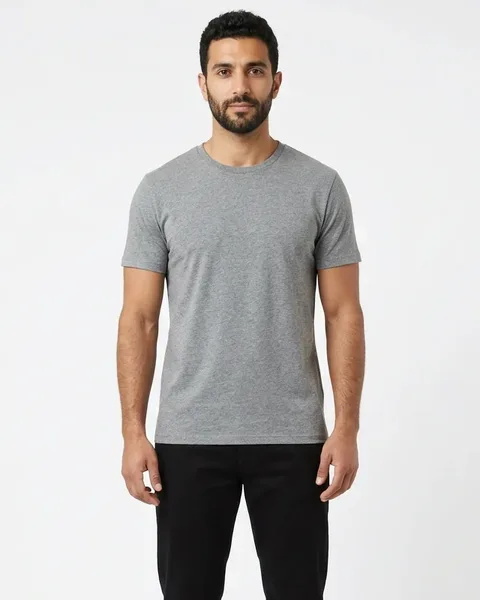
Omar
Casual, sportswear
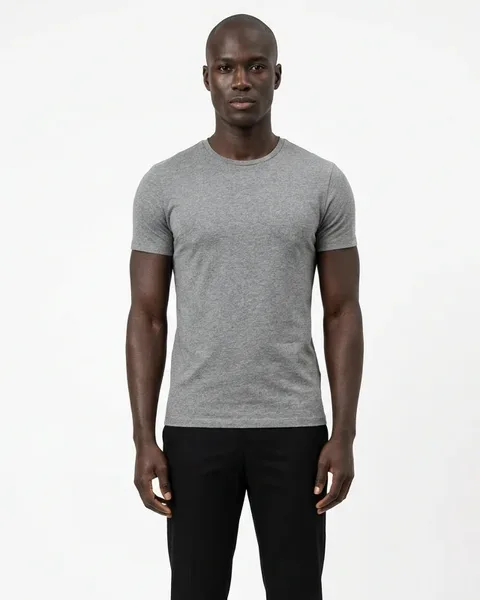
Jayden
Streetwear
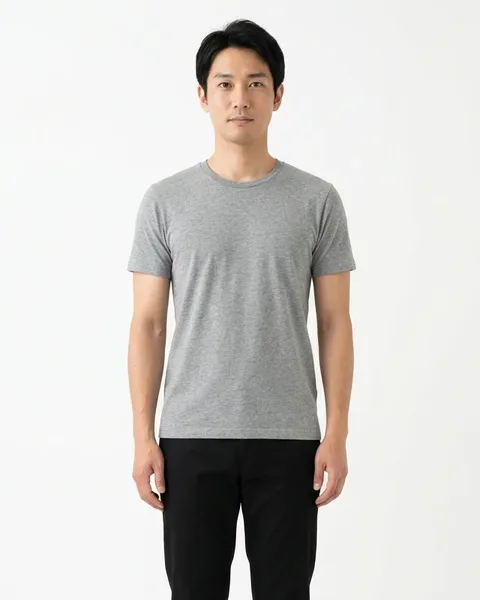
Kai
Business, workwear
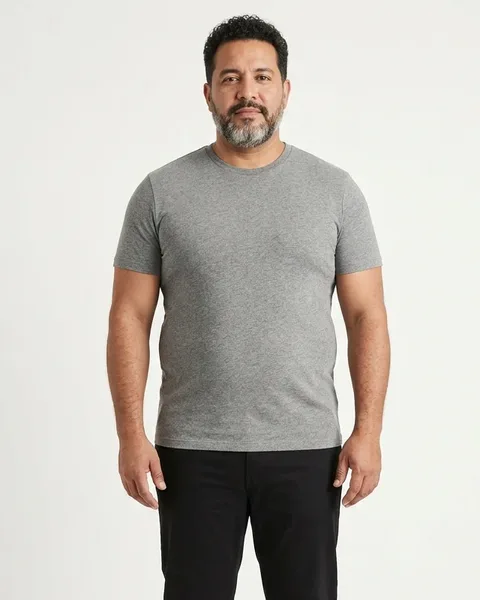
Mateo
Big & tall, 40+
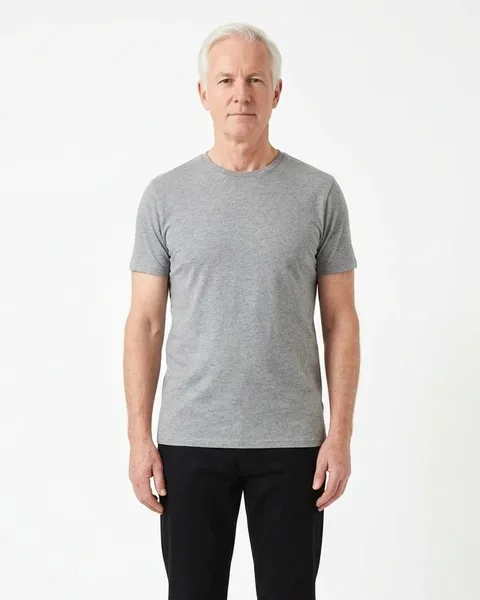
James
Men 50+, classic
The décors
42 décors, thousands of looks.
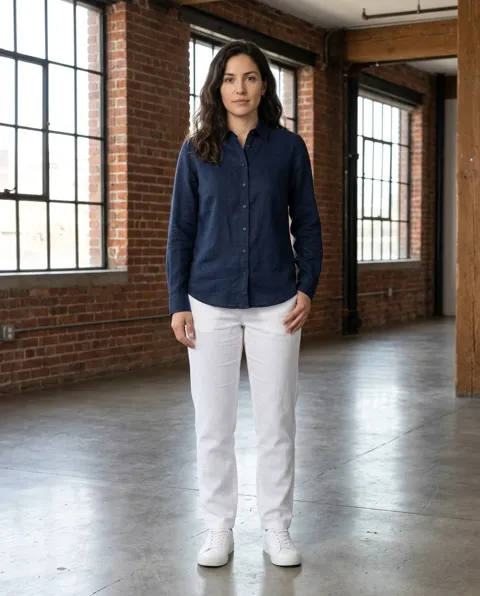
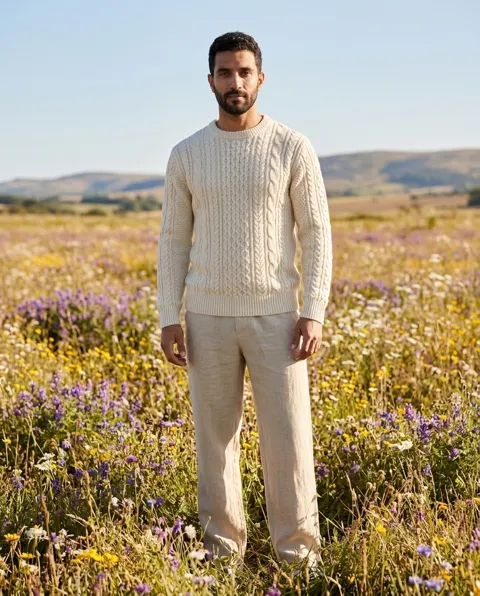
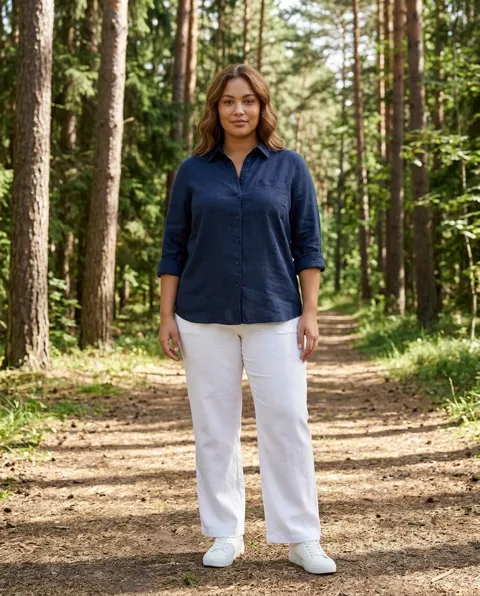
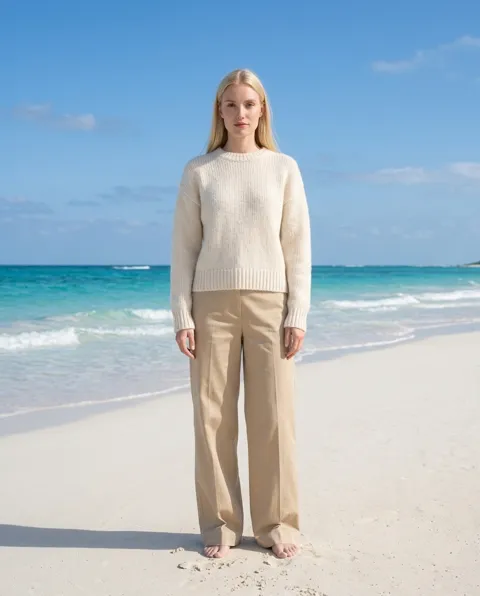
Studio, city, interiors, nature, seaside, heritage and occasions. Change the light, the season and the colour palette, or press Surprise me. The 4 poses of a pack always share the same décor, so your product page stays consistent.
What it does, what it won't
Honest about the limits.
It does
- Keeps your product's colour, cut, print and texture
- Shows a real back view when you upload a back photo
- Dresses the model in up to 4 of your pieces at once
- Keeps the same face across the 4 poses
It won't
- Invent a back: without a back photo you get a profile view instead
- Put children's clothing on a model, or generate children
- Use a real person's face — every model is AI-generated
- Guarantee tiny logos and fine print at standard resolution
These are AI images made from your product photo, not photographs. Check every image against your real product before you publish it. How we use AI
Pricing
Your first pack is on us.
Free
first pack
4 images at standard resolution with a free account. No card.
1 credit
per image, 1K
Standard resolution, made for social media and most shops.
2 credits
per image, 2K
High resolution, over 2,000 pixels on the long side, for zoom and print.
Credits are shared with your social posts and never expire. See plans
AI fashion model: questions
What is an AI fashion model?
An AI-generated person who wears your product in a photo. You upload a picture of your garment, and the AI fashion model tool shows it worn by a model, in a décor and in several poses, without a photo shoot.
What photo of my product do I need?
Any clear photo of the item: laid flat, on a hanger, on a shop mannequin, or already worn by someone. The tool reads the photo, lists the pieces it finds and asks you which ones the model should wear. Add a photo of the back if you want a true back view.
Can the model wear a full outfit?
Yes. Upload up to 6 photos and pick up to 4 pieces, for example a top, trousers, shoes and a bag. Anything you don't supply is filled with plain, neutral basics that stay identical across the 4 poses.
How faithful is the result to my real product?
In our own test on 10 real garments, about 9 images in 10 were usable as they came: colours, cuts, prints and textures were kept. Very small logos and fine print can come out approximate at standard resolution; high-res (2K) helps. Always check every image against your product before you publish.
Who are the models?
16 AI-generated adults, women and men from 22 to 58, in six body types including petite, plus-size and big & tall, and from many backgrounds. None of them is a real person, and no real person's face is ever used.
Does it work for children's clothing?
No. We never put children's clothing on a model and we never generate children. You can still make a product-only post of it in the startposting studio.
How much does it cost?
Your first pack of 4 images is free with a free account, no card required. After that, each image costs 1 credit at standard resolution (1K) or 2 credits in high resolution (2K), from the same credits as your posts. A failed image is refunded automatically.
Put your clothes on a model today.
Upload one photo, pick a model, get your pack. No shoot, no studio, no prompts.
Try the AI fashion model